
Astro: HTML first, JavaScript when you need it
Why we chose Astro for teaching APIs at the Hogeschool van Amsterdam's CMD minor.
Teaching designers to consume APIs usually starts with a detour. Before anyone sees data on a page, they're configuring a bundler, wiring up client-side fetching, and reasoning about state and loading spinners. The actual lesson, here's an API and here's how you put it on the page, gets buried under tooling.
We ran into this directly while designing the API part of the Web Design & Development minor at the Amsterdam University of Applied Sciences (HvA). It's a four-week sprint where students work with two kinds of APIs: Content APIs (data you fetch from a CMS or service) and Web APIs (the ones the browser gives you, like geolocation or View Transitions). The question we kept coming back to was simple: what tool gets a designer from "I have an API" to "it's on the page" without a JavaScript tooling detour?
This article is about why we landed on Astro, and why that choice was driven by what we want students to internalize, not by what's trending. And if you're picking a stack for your next content-driven project, not just a classroom, Astro is worth a serious look before you default to a heavier framework.
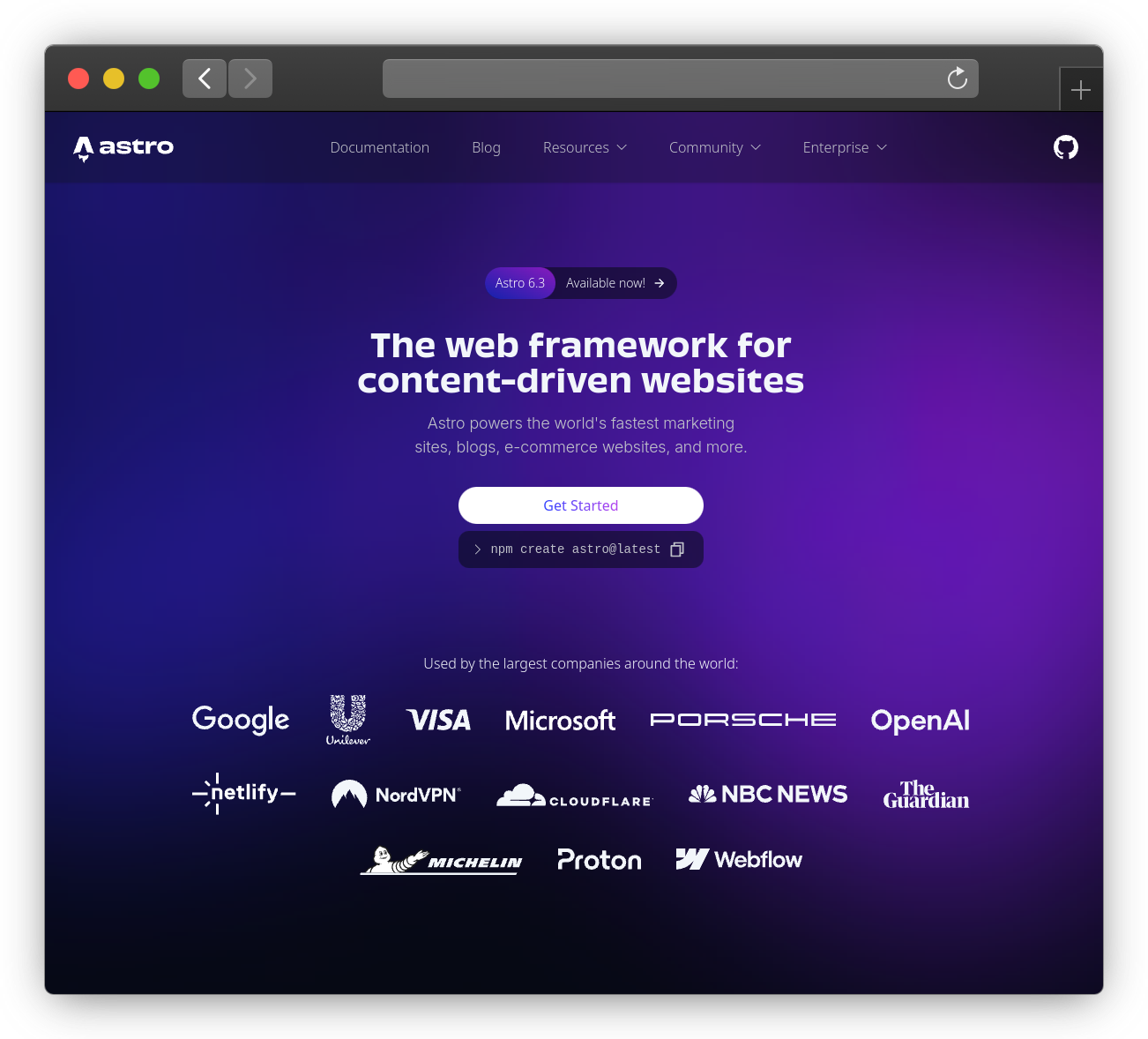
astro.build's landing page.The constraints that picked the tool
Our students are creative designers. They're strong in HTML and CSS (that's what they're passionate about). But JS is, for most of them, still their growth edge, the part they're actively getting fluent in rather than the part they reach for instinctively.
That shapes everything. A tool that demands a component model, a build step, and a mental model of hydration before you can render a list of blog posts is a tool that spends the student's attention on the framework instead of the web.
And the minor has opinions about what that attention should go toward: web standards, progressive enhancement, accessibility, and performance as a craft. Those aren't bullet points on a syllabus. They're the values we want students to carry into their careers. So the tool couldn't just be convenient. It had to reinforce those values rather than fight them.
Enter Astro
Cyd Stumpel, an award-winning creative developer who also lectures in the minor, was the one who originally suggested Astro. Once we looked at it through the teaching lens, it was hard to unsee how well it fit.
The one-line framing that sold it: Astro is just HTML, and JavaScript is the part you add when you need it.
It's just HTML
An .astro file is HTML that you sprinkle logic into. That's the whole starting point. There's no component model to learn before "hello world," no JSX, no return wrapping your markup.
---
const title = "My first Astro page";
---

<h1>{title}</h1>
<p>This is just HTML, with a little JavaScript executed on the server/build time.</p>
For a designer, this is a soft landing. They open the file and see the language they already know. The {title} is the only new idea, and it's a small one. Compare that to a React starter, where you pay a component-model tax (props, state, a render function) before you've rendered a single tag.
Server-side fetching in the frontmatter
Here's the part that does the most work for us.
The block between the two --- fences is called the frontmatter, and the mental model is clean: code in the fence runs on the server, the template below it renders to HTML. The student writes their data-fetching in the fence, then loops over the result in the markup. That's it.
---
const url = "https://jsonplaceholder.typicode.com/users";
const response = await fetch(url);
const users = await response.json();
---

<ul>
  {users.map((user) => (
    <li>
      <a href={`mailto:${user.email}`}>{user.name}</a>
    </li>
  ))}
</ul>
Look at what's not here. No useEffect. No isLoading state. No empty array to render into while the request is in flight. No client-side round-trip at all. The fetch happens on the server when the page is built or requested, and the browser receives finished HTML.
For a designer, this is the moment it clicks. Fetching data stops being "set up a whole client-side machine" and becomes "call fetch, loop over the result, write the HTML." Which is exactly the mental model we want them to have.
To me, as a developer who got started with PHP more than 13 years ago, this is how I got to know and understand the web. And this is the same experience, but modernized for the JavaScript era.
Learn the platform, not the framework
Being able to directly use fetch and Response is a big deal. We can focus on teaching web standards instead of framework-specific data layers.
This matters because frameworks come and go, but platform knowledge compounds.
The same is true for the "Web APIs" half of the course. When students add interactivity, they're talking to real browser APIs. Here's a server-rendered button enhanced with a plain <script> that hits the Geolocation API:
---
// Server-rendered markup. Nothing needed here for geolocation.
---

<button id="locate">Find me</button>
<p id="result"></p>

<script>
  const button = document.querySelector("#locate");
  const result = document.querySelector("#result");

  button.addEventListener("click", () => {
    navigator.geolocation.getCurrentPosition((position) => {
      const { latitude, longitude } = position.coords;
      result.textContent = `You're at ${latitude}, ${longitude}`;
    });
  });
</script>
The button exists in the HTML before any JavaScript runs. The <script> enhances it. The thing the student learns, navigator.geolocation, and addEventListener, is the actual web platform, not a framework abstraction over it.
Progressive enhancement and islands
By default, an Astro page ships zero JavaScript to the browser. You add interactivity only where you need it, either through a plain <script> like the one above, or through an "island": a component that hydrates on its own while the rest of the page stays static HTML.
Here's the part that matches the "JavaScript when you need it" idea so well. You can build reusable components in plain Astro, with no framework at all. An .astro component is just markup that takes props:
---
// src/components/UserCard.astro
const { name, email } = Astro.props;
---

<li>
  <a href={`mailto:${email}`}>{name}</a>
</li>
And you import and reuse it like any other tag:
---
import UserCard from "../components/UserCard.astro";
const url = "https://jsonplaceholder.typicode.com/users";
const response = await fetch(url);
const users = await response.json();
---

<ul>
  {users.map((user) => (
      <UserCard name={user.name} email={user.email} />
  ))}
</ul>
Then, the day a student hits something that genuinely wants a framework's interactivity model, they add one: React, Vue, Svelte, Preact, or Lit, installed as an official integration and used only on the island that needs it. You start with no framework, get components anyway, and bring in a framework later if and when the project earns it.
This is the minor's philosophy expressed as a tool. We teach progressive enhancement on purpose. Cyd wrote about exactly why we teach our students progressive enhancement, and Astro makes the right thing the default thing. You don't opt into progressive enhancement; you'd have to opt out.
It also grows with the student. The same tool that renders a designer's first static page can host a developer's interactive island a year later. They don't switch stacks as their skills grow. The tool meets them where they are and stretches as they do.
Fast by default
Performance is a craft designers already care about, and Astro hands them good numbers without making them think about it. The defaults stack up:
- A zero-JS baseline. Nothing to parse or execute unless you added it.
- Scoped, bundled CSS. Styles are local to a component and optimized at build time.
- Built-in image optimization via the
<Image>component. Right-sized, modern formats, no manual work. - Prefetching of links so navigations feel instant (available as an opt-in feature).
- The islands model. Interactivity is isolated, so one heavy widget doesn't drag down the whole page.
The upshot is that a student's first Astro site tends to have solid Core Web Vitals by default. They learn that fast is the normal state of a web page, not a thing you bolt on at the end.
Simplicity, but it still scales
The simplicity isn't a ceiling. Astro covers the whole range we touch in the course: static pages, server-side rendering, and API endpoints. One tool, start to finish.
That last one matters more than it sounds. The moment a student works with a Content API that needs a secret key, you don't want that key shipping to the browser. An Astro endpoint solves it on the server:
// src/pages/api/articles.js
export async function GET() {
  const response = await fetch("https://api.example.com/articles", {
    headers: { Authorization: `Bearer ${import.meta.env.API_KEY}` },
  });
  const articles = await response.json();

  return new Response(JSON.stringify(articles), {
    headers: { "Content-Type": "application/json" },
  });
}
The key stays on the server, the browser gets clean JSON, and notice that the student returns a real Response object. Same platform primitive again. The point is that Astro scales down to a brochure page and up to a keyed API proxy without ever swapping stacks. One tool across the whole course.
What we want students to walk away with
If a student finishes the minor and forgets the word "Astro," that's fine. What we don't want them to forget is the foundation: HTML first, fetch the data, render it, and add JavaScript only where it earns its place. Those are web-standards fundamentals that outlive any framework, and they're exactly what Astro's defaults teach without us having to nag.
Thanks to Cyd for the original nudge, and to the minor for being the kind of place where "does this tool reflect what we believe about the web?" is a question we get to ask out loud.
If you teach this stuff too, or you've made a different call and have reasons, I'd genuinely like to hear them.